You know the matter. We build it with your team.
Co-Build: UNOY engineers and your team build the workflow together. In the build workspace, with knowledge transfer, with productive results.
Matter in. Result out. You bring the subject-matter expertise about your recurring matter. UNOY brings UNOY OS, the builder journey, and the engineering practice. In the end the workflow belongs to you: data, skills, approvals, versioning, and audit trail. You operate it yourself.
Prefer to hand it over completely? Have it done. Prefer to start yourself? Operate yourself.
Co-Build · Builder Journey
UNOY + Your team · 7 steps together
Organize · Model
Workspace and data structured
Design · Reason
Workflow built · Know-why documented
Matter #2451 · GDPR inquiry
Client: Müller GmbH · received 14:32
Deadline: 14 days · remaining 12 days
Review: mandatory data complete · master data OK
AI draft: 3 RAG sources · disclosure skill v3.2
Approval role: data protection officer (open)
Record outcome + audit trail
§ 02 · Core concept
A prompt answers. A matter is executed.
Prompting is sufficient for individual answers. Recurring work requires more: intakes, rules, decisions, roles, approvals, and logs. UNOY OS turns expert work into a developable system, built on four building blocks.
Workflows define what must happen: intakes, reviews, decisions, approvals, versioning. They ensure repeatability and clear paths.
Understands language, documents, emails, context, and variants. COIA orchestrates function calls. AI remains the tool; the workflow remains in charge.
Skills carry playbooks, tone, and review rules. Databases hold structured client, file, and deadline data. RAG pulls citable sources.
Roles, approvals, audit trail, versioning, rollback. A draft becomes an approved matter. Reproducible and auditable.
A chat can answer. UNOY OS can execute work.
§ 03 · Builder Journey
From idea to operation.
A productive workflow does not emerge in one step. UNOY OS guides teams through a clear builder journey: structure, model, build, reason, connect, orchestrate, and operate.
01Organize
Workspace. Project. Environment.
Define workspace, project, and environment. Separate build, staging, and production so development is possible without risk to live operations.
02Model
Structure data.
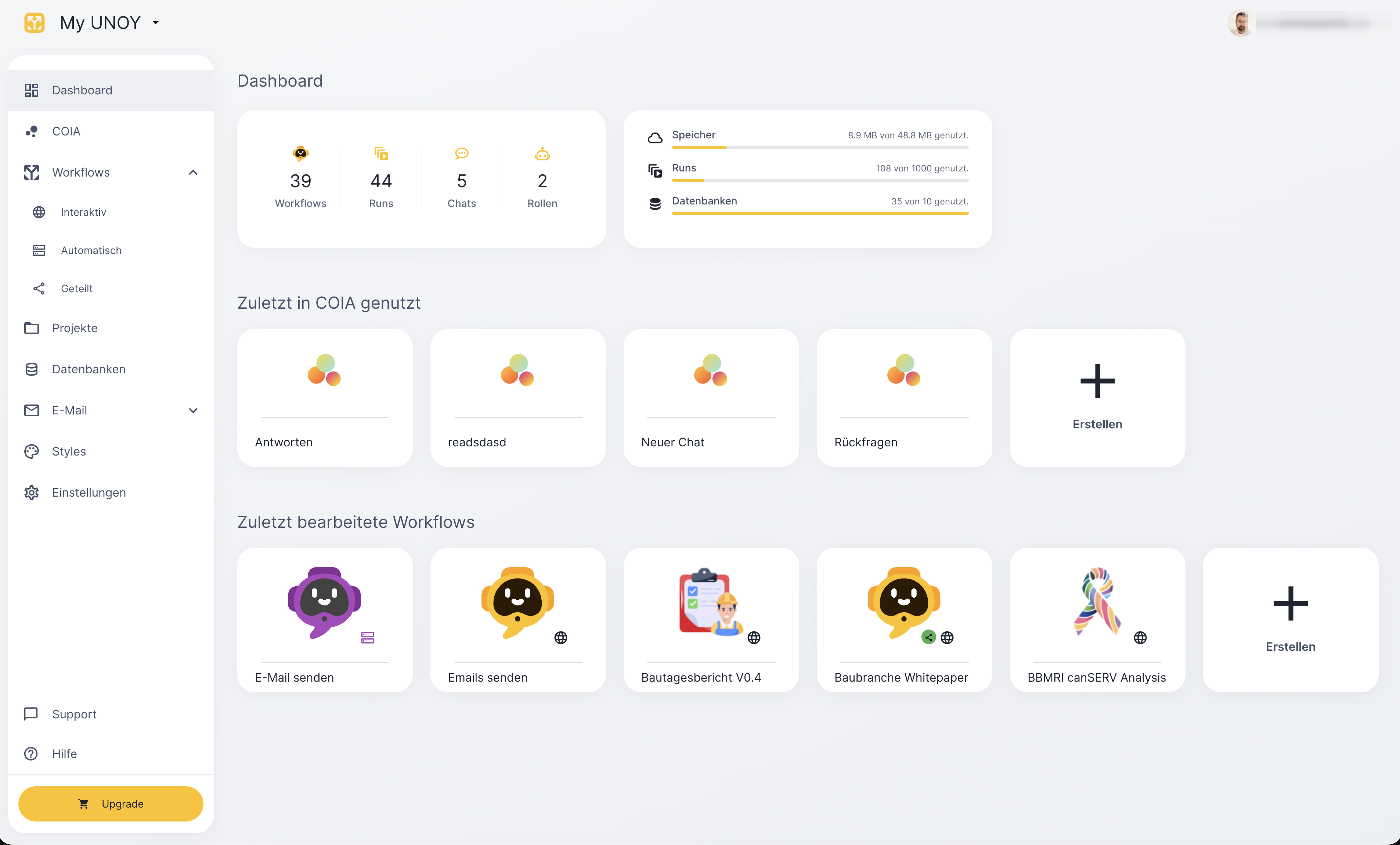
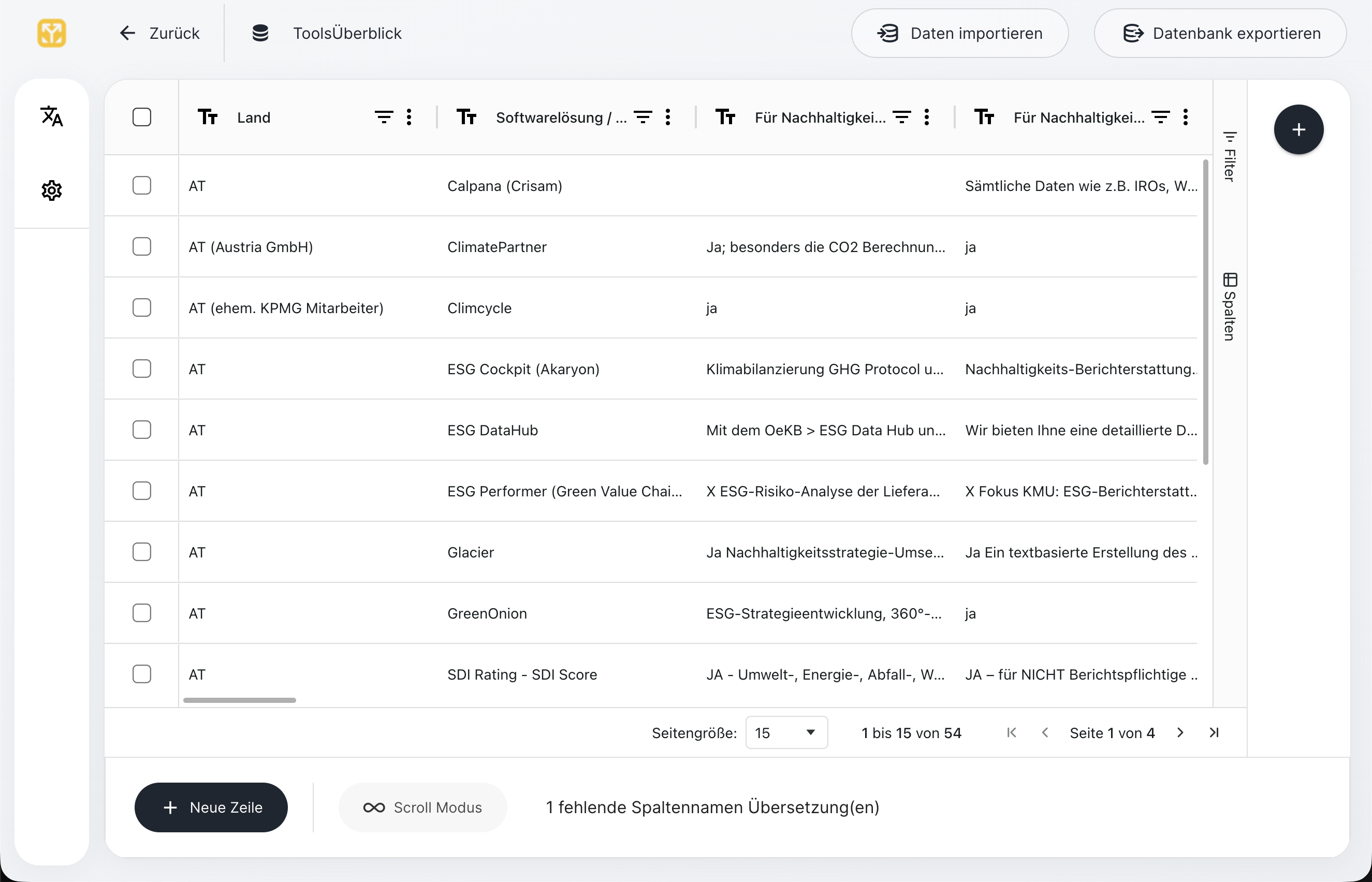
Structure data and inputs. Define tables, fields, relationships, and validations so workflows operate with reliable context.
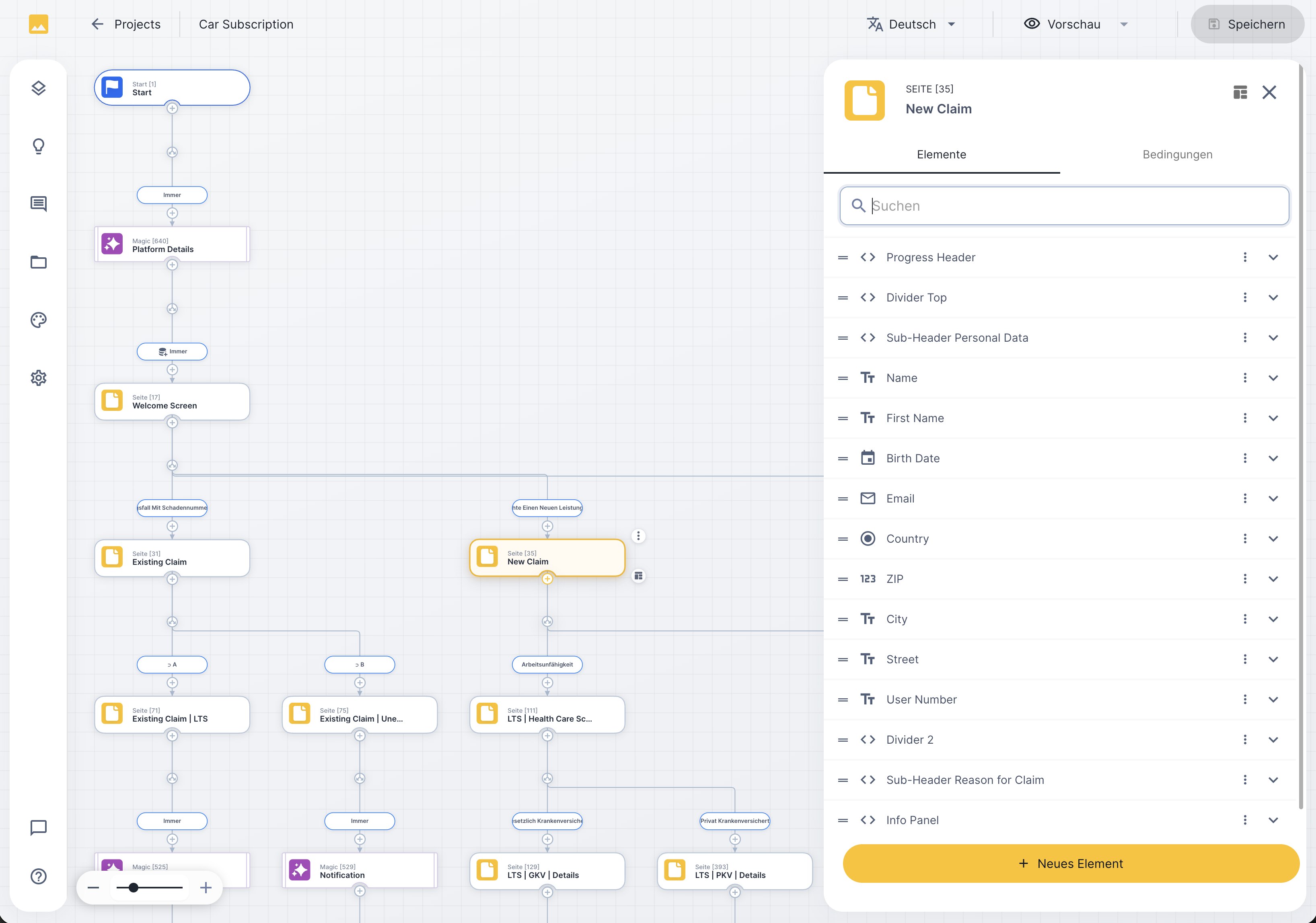
03Design
Build workflow visually.
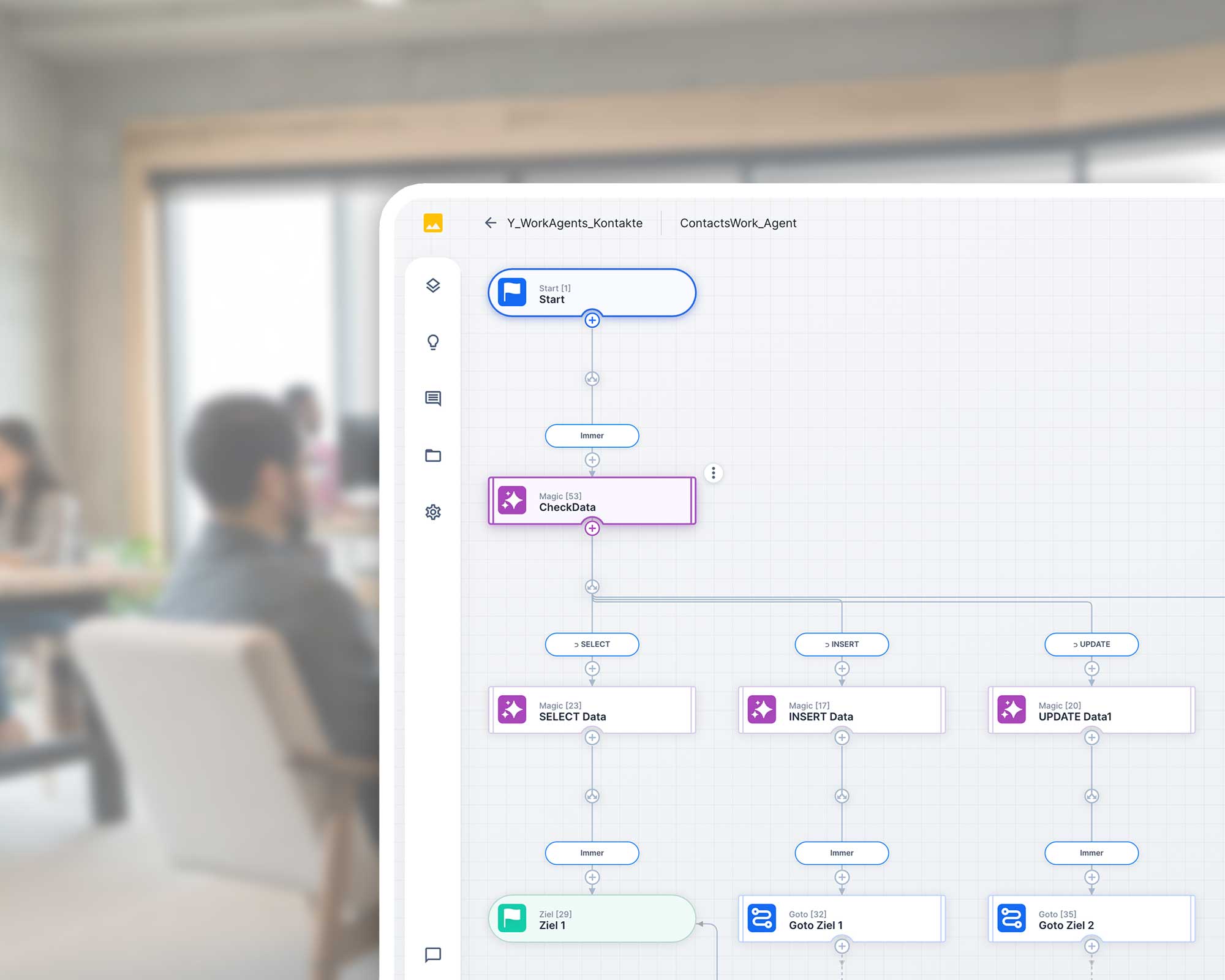
Build the workflow visually. Capture the matter, apply rules, derive decisions, create results.
04Reason
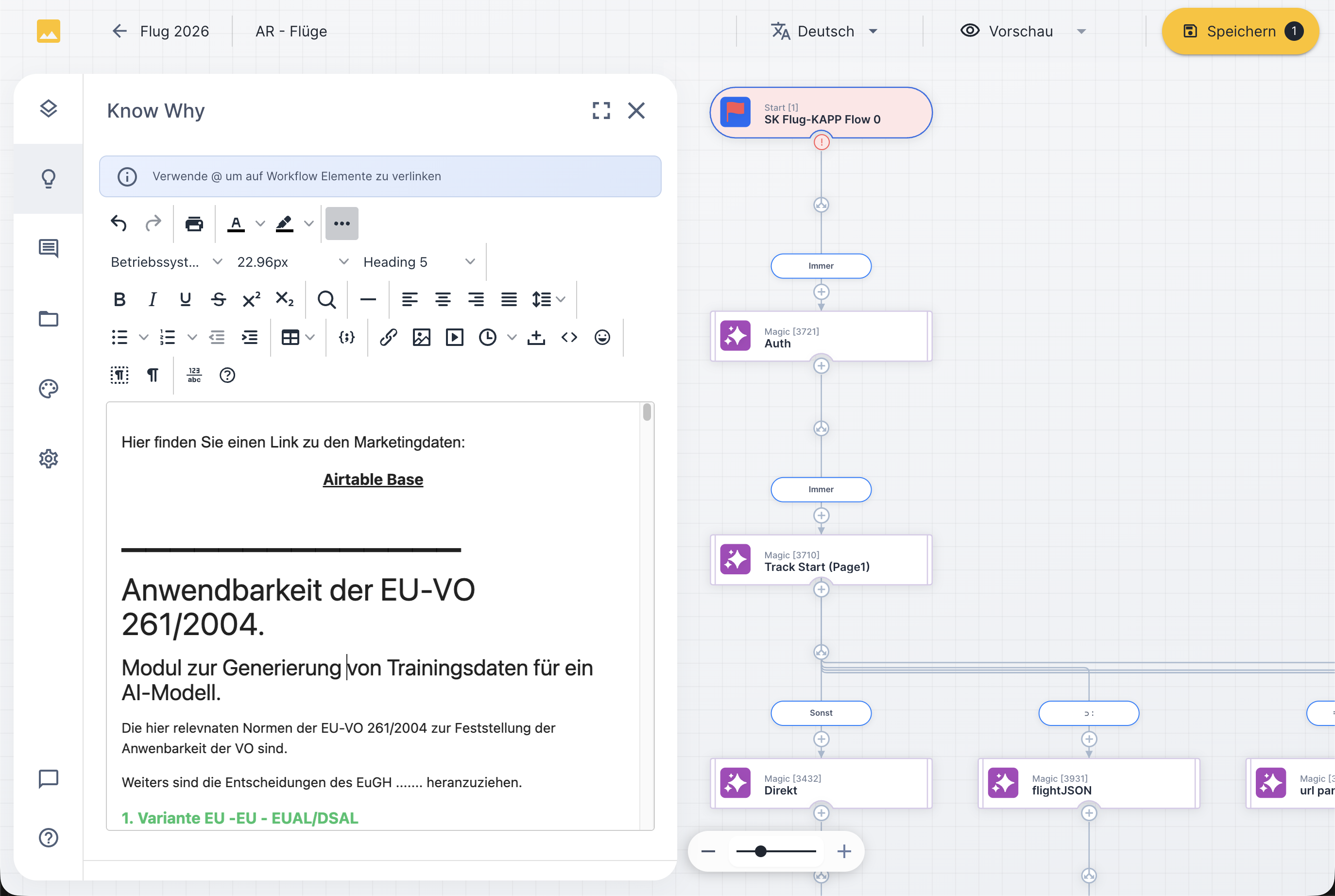
Document know-why.
Record why rules, paths, thresholds, and exceptions were built this way. This keeps the workflow transferable and auditable even years later.
05Connect
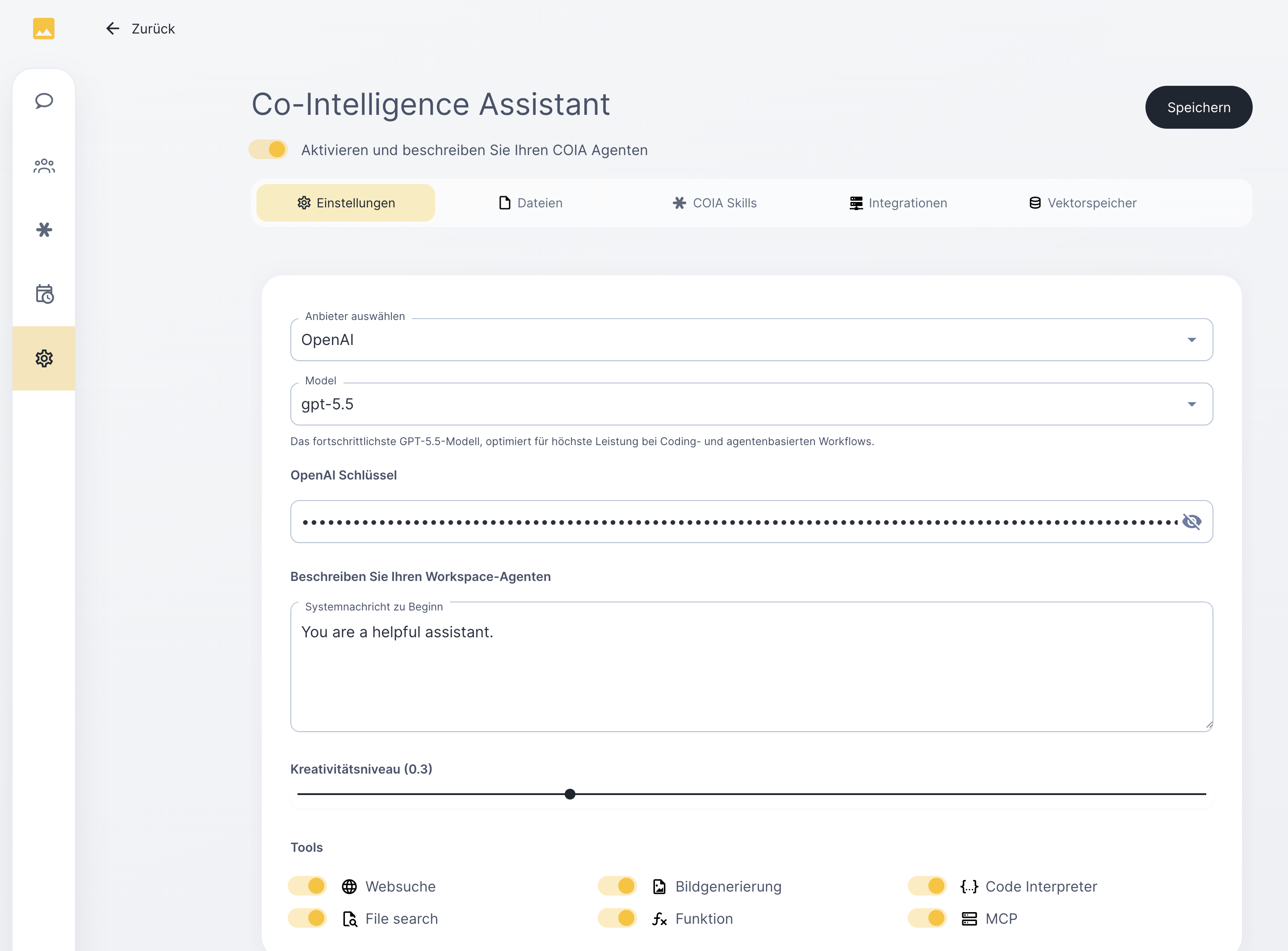
Connect systems.
Connect systems. Integrate email, documents, databases, APIs, CRM, DMS, M365, or specialist software.
06Orchestrate
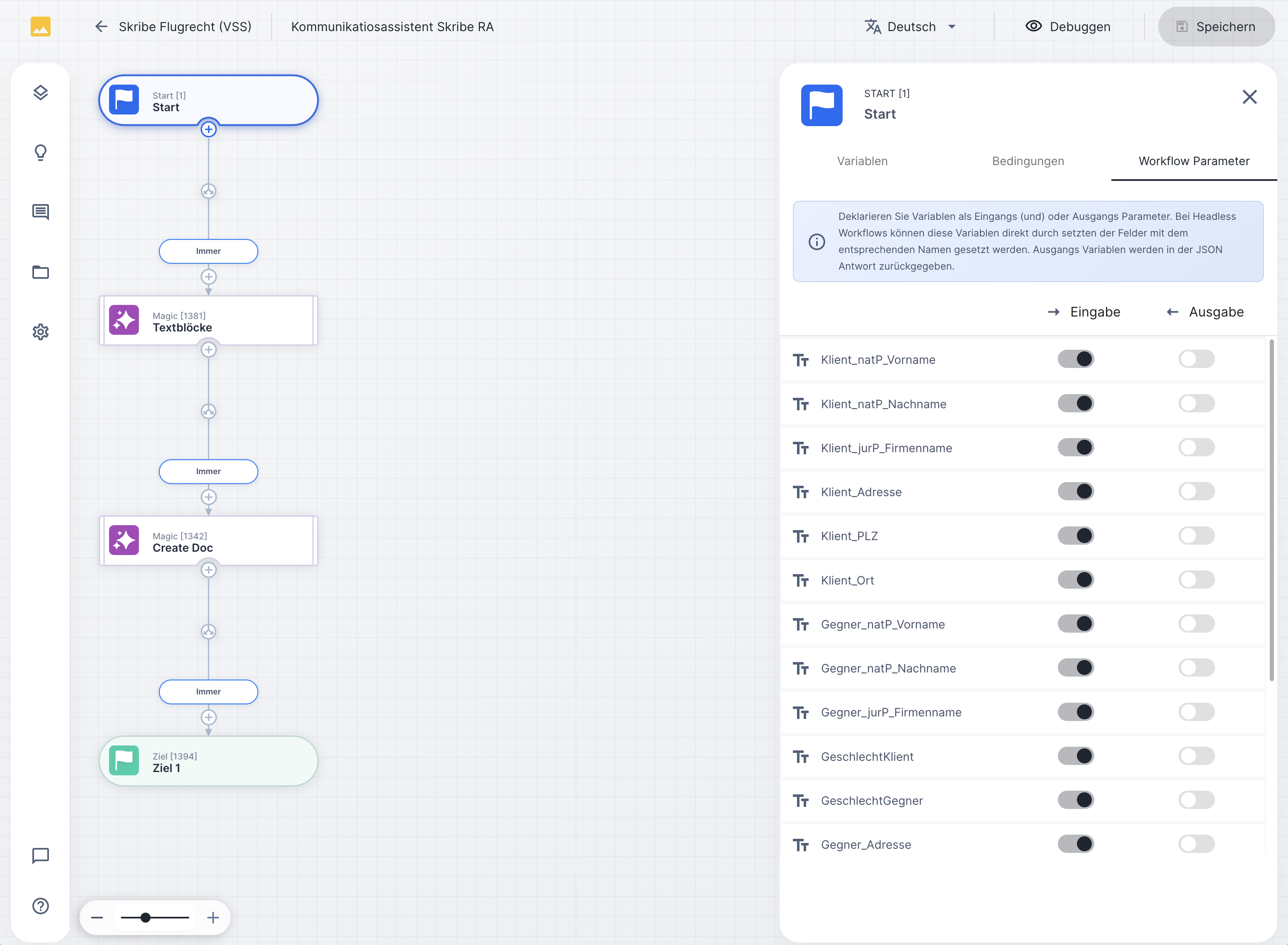
Workflow as COIA function.
Make the workflow available as a COIA function. COIA recognizes the task, sets parameters, and starts the appropriate flow.
07Operate
Test, approve, operate.
Test, approve, publish, and monitor. Every run remains traceable, with version, audit trail, and rollback option.
§ 04 · The three core building blocks
Workflows. Skills. Data.
In the Self and Co-Build model, teams build with three core building blocks. Each building block has a clear role. All three together carry the matter.
For all further building blocks: View Knowledge Base →
Building block 1 · Workflows
GDPR disclosure · v3.2
Workflows — structure for work.
Define which steps happen in which order. Auditable and versionable.
Building block 2 · Skills
Skill library · 14 active
Skills — knowledge, versioned.
Playbooks, tone, review rules, clause logic. Multiple skills feed into one workflow.
Building block 3 · Databases
Members DB · 14,291 entries
Databases — structured.
Files, matters, deadlines, audit. COIA reads and writes in a controlled manner. No hallucination.
Workflow · GDPR disclosure
1. Capture intake · email + attachments
2. Verify required data · client, deadline
3. Query member DB · master data
4. [AI node missing]
5. Approval role data protection officer
6. Record outcome + audit trail
Node suggestions
3 available
COIA drafts the disclosure response with GDPR RAG sources and house-form template.
Workflow Designer
Build workflows visually. Execute with control.
The workflow designer maps real expert work: capture the matter, apply rules, derive decisions, create results. Each node has a clear task so the flow remains traceable.
UNOY suggests missing nodes based on context. A workflow sketch becomes a complete process with magic, page, goto, and target nodes in the right sequence.
Data flows between nodes without code. UNOY recognises types, suggests matching variables, and checks consistency.
One click is enough: existing skills, databases, or RAG sources are attached to magic nodes. Without API code, without custom development.
§ 07 · COIA orchestration
Workflows become executable capabilities.
A workflow becomes powerful when COIA can invoke it. A user asks in natural language. COIA recognises the matter, loads the matching function, sets parameters, calls it, returns the result.
Matter · COIA function call
User in language. COIA in action.
A user describes a matter freely. COIA recognises the intent, loads the matching workflow functions, sets parameters from context, and returns the result.
AI remains the tool. The workflow remains in charge.
§ 08 · Governance
Building also means signing off.
UNOY OS is built for regulated and accountable work. Four building blocks turn every matter into an auditable, signed-off step.
01 · Stage pipeline
Build · Staging · Prod.
Three environments, clearly separated. No step goes live without a test in stage.
02 · Roles & approvals
Roles & four-eyes.
Handling, approval, and audit separated. Anchored in the workflow.
03 · Audit-Trail
Audit-Trail.
Every step with timestamp, actor, source, model version. Reproducible.
04 · GDPR & EU residency
GDPR & EU residency.
Data in EU data centers. AES-256, TLS 1.3. Contractually no training use.
§ 09 · Result
An idea becomes an operable workflow.
The result is not a prompt or loose automation, but a productive workflow that is repeatable, auditable, and ready for handover.
Output 01 · Build & Release
Workflow · v3.2
Versioned & traceable.
Build, staging, and production are clearly separated. Subject-matter experts understand the logic and continue building.
Output 02 · Callable
COIA function active
Chat · Trigger · Formular · API
+ CRM · DMS · ERP verbunden
Callable & connected.
Workflow as a COIA function. From chat, trigger, form, or API. CRM, DMS, ERP connected.
Output 03 · Handover-ready
Audit-Pack · Run #2451
Auditable & handover-ready.
Every step logged. What is built in Co-Build or Delivery can later be handed over to Self.
§ 10 · Three paths
Have it delivered. Build together. Operate yourself.
Three paths. One journey. You can start with one model and switch later.
Modell 01 · Delivery
Discuss a matter
Have it delivered.
You hand over matters, UNOY delivers the result.
Modell 02 · Co-Build
Workshop · Day 1
UNOY + Your team
First productive workflow
Build together.
UNOY and your team set up UNOY OS together. Knowledge transfer and later handover to self-operation possible.
Modell 03 · Self
Build-Workspace
Operate yourself.
Your team builds workflows, skills, and databases independently. Maximum control. Your own pace.
§ 11 · Next step
Build the first workflow together.
Bring a specific recurring matter: a request, a contract template, a review, a report, a claim. Matter in. Result out. In the Co-Build workshop we model the builder journey together. Your team leaves the workshop with the first productive workflow.
Workshop in Vienna · Hybrid possible · GDPR · EU hosting